Raw recordings are hard to watch
Tiny text, a jittery cursor and long pauses. Viewers lose the thread before the feature lands.
In SmoothCapture
Zooms follow your clicks and the cursor glides, on every take, automatically.
Turn a raw screen recording into a launch-ready product video. Auto zoom and a smooth cursor on every take, real 3D devices with one-click camera moves, and animated titles, all on one timeline.

The problem
Most launch videos are stitched together from a stack of tools, and every hand-off costs you another export.
Tiny text, a jittery cursor and long pauses. Viewers lose the thread before the feature lands.
In SmoothCapture
Zooms follow your clicks and the cursor glides, on every take, automatically.
Export the take, import it into a mockup tool, render, and repeat every time the footage changes.
In SmoothCapture
Drop the same clip onto a real 3D device in the same project, with one-click camera moves.
An hour of keyframes for a headline that should take a minute, and another round-trip to export.
In SmoothCapture
Animated titles and ready-made graphics sit on the same timeline as your recording.
One take, two looks
Keep a take flat and focused, or drop it onto a real 3D device and let the camera move. It's a setting on the clip, not a second app or a re-edit.
The screen-recording look
AI agents · MCP
SmoothCapture has an MCP server built in. Your AI agent can record, cut by transcript, add titles and graphics, direct the 3D camera, write a voiceover and export, all inside the project you have open.
Connect your agentTry asking
A real session: Claude Code building a clip through MCP, then reworking it on request. Sped up.
Every change shows up live on your timeline as one undo step, so you can step back through anything the agent did.
Agents render frames from the edit to check framing and motion before they call it done.
Claude Code, Codex, Cursor or any MCP client. The server is built into the app and opens no network port.
Record and polish
Record your Mac, an iPhone or iPad, or the iOS Simulator, then edit, style and export without leaving the app.
Pick the full display, a single app window, or a selected area so you start with a clean source and skip cropping later.
3D studio
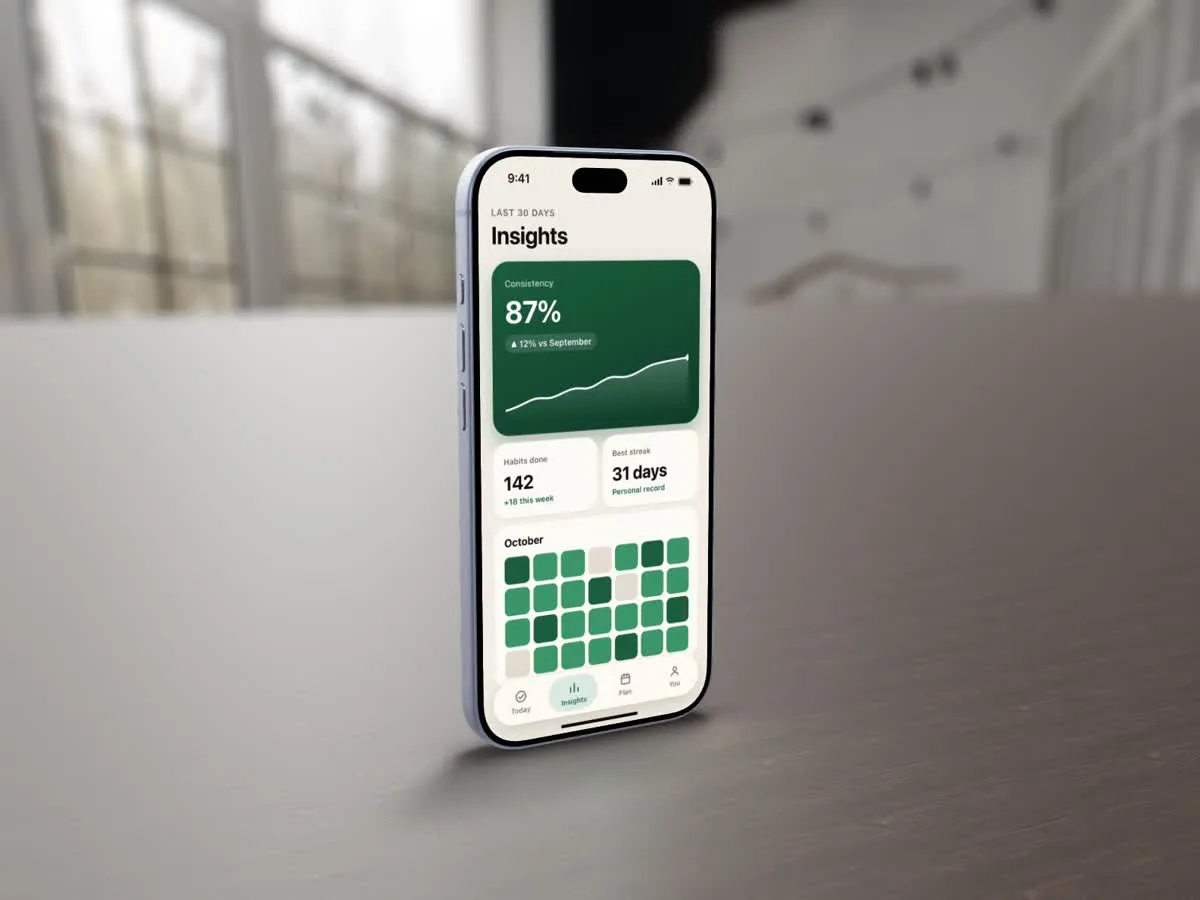
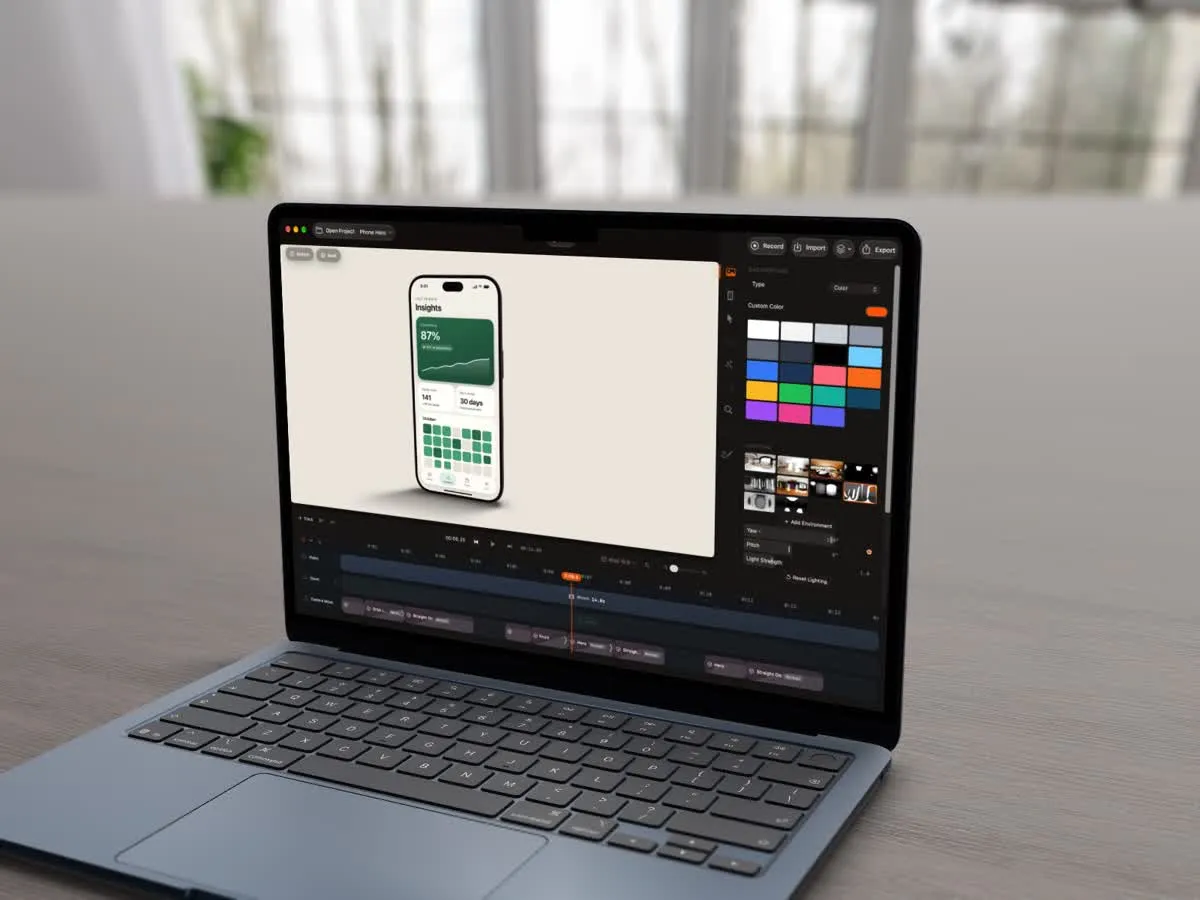
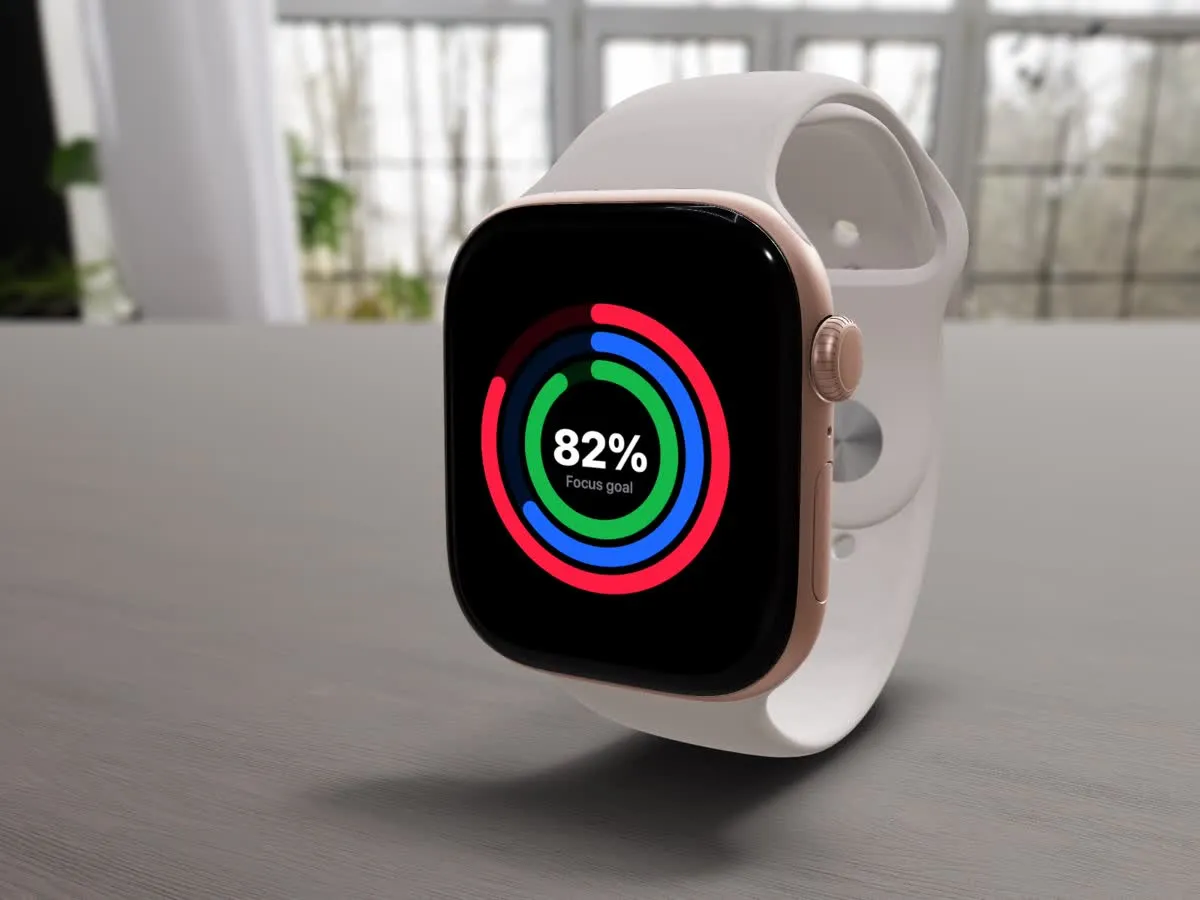
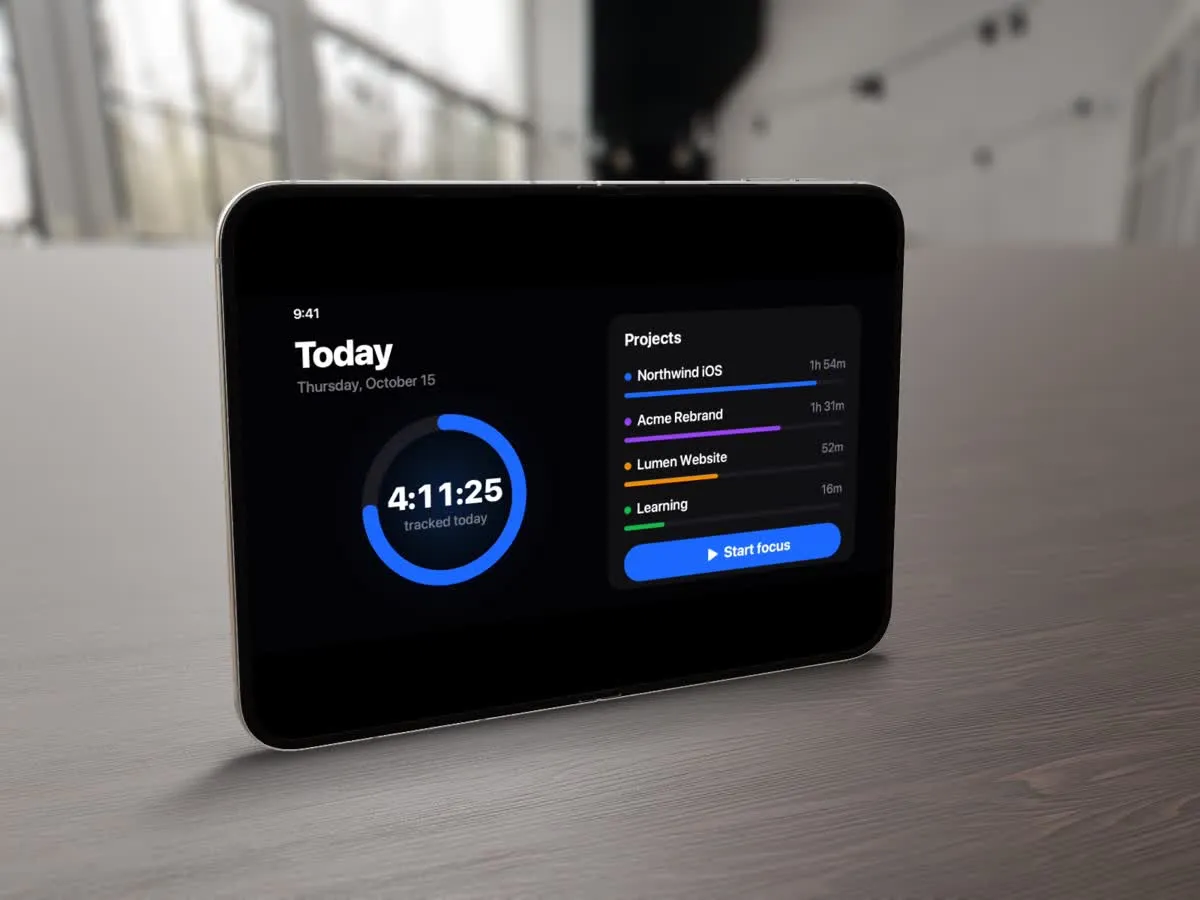
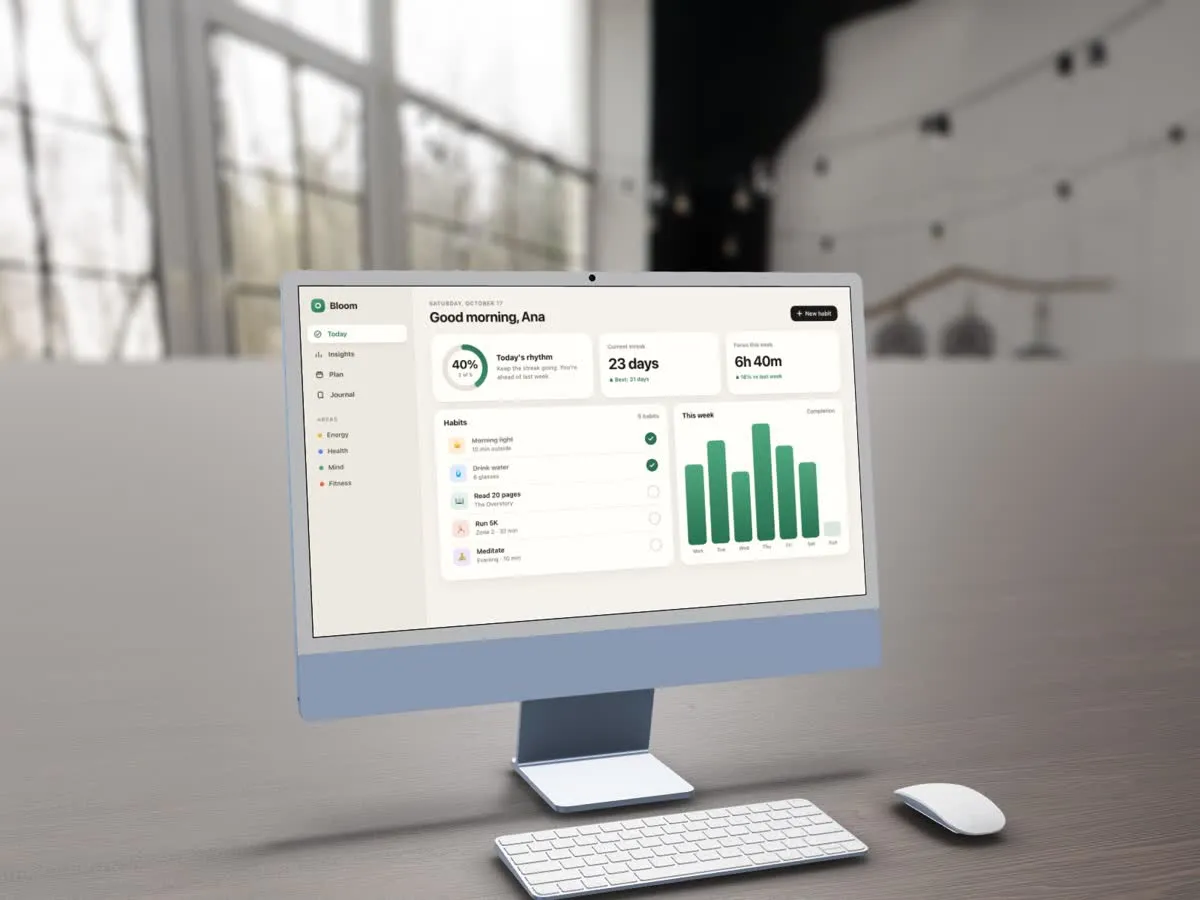
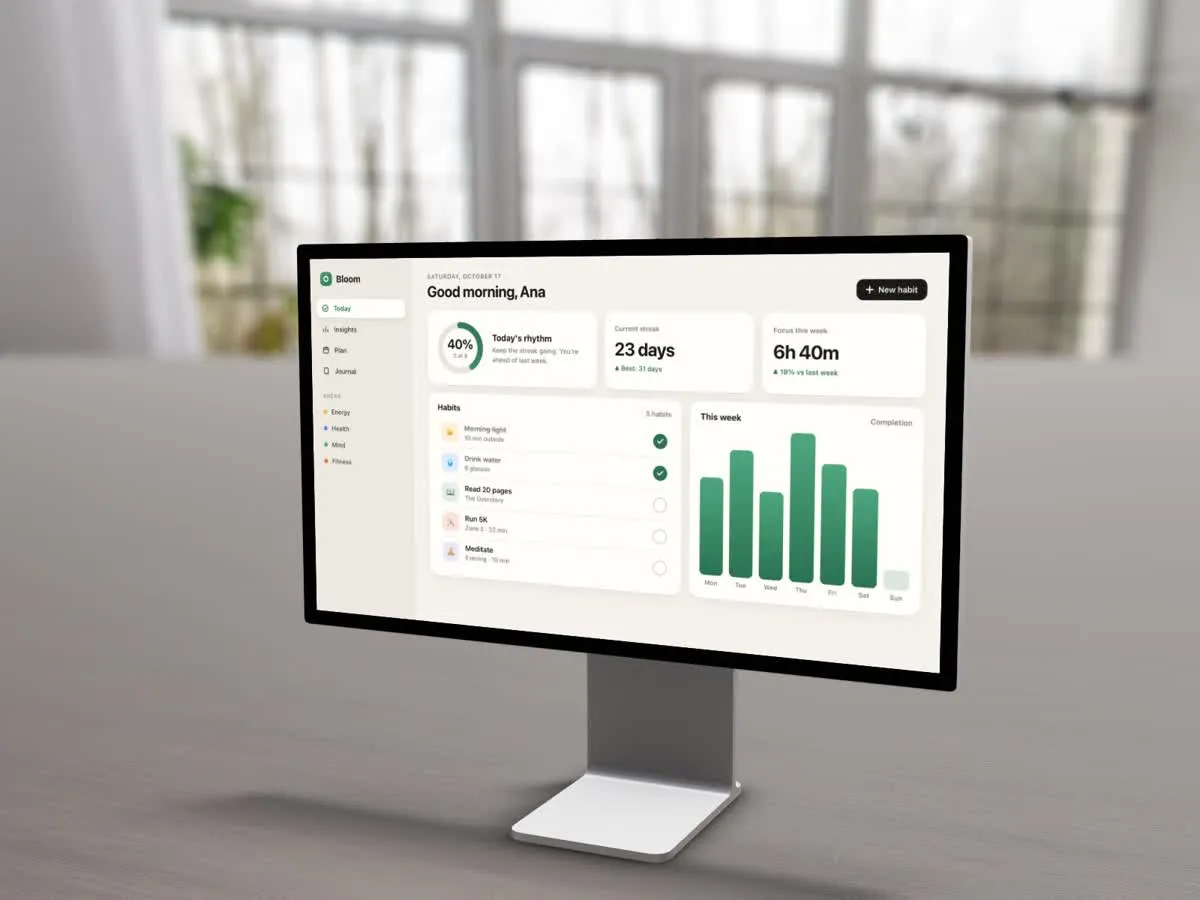
Any recording, video or screenshot goes onto a 3D iPhone, MacBook, iPad or Watch, standing on a wooden table in a sunlit room. Camera moves apply in one click. See how 3D mockups work.
Apply a motion template such as Signature Orbit, Back to Screen or Parallax Pass, or lay down your own camera shots on the timeline. Every shot stays editable: change the angle, distance, lens or easing whenever you like.
Set the device on a wooden table in a sunlit room, or in a studio with softboxes and light bars. Depth of field, reflections and shadows come with it. Same take, same camera, one setting changed.
iPad is in there too. New models arrive with app updates.
Motion studio
Animated text, designed graphics and slides sit on the same timeline as your recording and your 3D shots.
Titles animate by word or by letter, enter and exit on their own timing, and can sit behind a 3D device for real depth.
A built-in library of designed graphics. Type your words, pick your colours, and they animate in on their own track.
Start a scene from an empty slide with its own background, no dummy footage needed.
Titles and graphics get their own tracks above your recording, so you move and trim them freely.
Import and export .scgraphic packages to reuse a look across projects and teammates.
Pricing
Every feature from $49, one time, with a 30-day money-back guarantee.
Record and edit everything for free. A licence unlocks export and share links.
Pay once and keep your version for good. The licence does not expire.
Recording and editing work offline. Projects live in one .smoothcapture file on your disk.
A universal app for Apple Silicon and Intel, from MacBook Air to Mac Studio.
Questions
Yes. Open or import any MP4, MOV or image, choose a 3D device, and apply a camera move. It does not have to be recorded in SmoothCapture.
3D device mockupsYes. SmoothCapture includes an MCP server and a command-line tool, so Claude Code, Codex, Cursor or any MCP client can record, cut by transcript, add titles and graphics, move the 3D camera, generate a voiceover and export. Edits land in the project you have open, and each one can be undone.
AI agents, MCP and CLIYes. SmoothCapture captures system audio natively through Apple's ScreenCaptureKit, so you do not need BlackHole or a Multi-Output Device. System sound and your microphone are recorded as separate tracks, so you can balance them after the fact rather than being stuck with the mix you captured.
Audio and voice-overYou can record and edit for free with no time limit. A one-time purchase unlocks exporting and share links. There is no subscription, and the licence does not expire.
SmoothCapture requires macOS 15.2 or later. It is a universal app that runs natively on Apple Silicon and Intel Macs, from MacBook Air to Mac Studio.
Yes, over USB or wirelessly — and with device audio either way. Plug in over USB for a full-resolution, lag-free capture, or record wirelessly when a cable is impractical. Because your Mac captures the device's video output rather than running a recorder on the phone itself, the footage comes out with a clean status bar and no red recording indicator across the top — which matters for App Store preview videos, where Apple expects an unobstructed screen. Recording a physical iPhone wirelessly with its audio intact is something no other Mac screen recorder currently does.
iPhone and iPad recordingYes. SmoothCapture records the iOS Simulator directly, which is the fastest way to produce App Store preview videos and demo clips without needing a physical device on hand.
App Store preview videosThe built-in Screenshot toolbar records your screen and microphone, and nothing more. SmoothCapture adds system audio capture, automatic zoom on clicks, smooth cursor motion, 3D device frames, subtitles, and a timeline editor, so a raw capture becomes a finished video without moving to another app.
Not to record or edit. Both happen entirely on your Mac, and your files never leave it unless you share them. You need a connection to activate your licence, get updates and share links.
More answers in the full FAQ.
Record and edit locally. Purchase once to export videos and share links.
One-time purchase. No subscription required.
Guides
Practical walkthroughs for recording, capturing audio, and fixing what macOS gets in the way of.
Shift-Command-5, QuickTime, and every way to capture sound.
Capture system sound with or without a virtual audio driver.
Why your recording has no sound, and the checks that fix it.
What the free tools actually do, and where they stop.
The full QuickTime workflow, including trimming and export.
Put your camera alongside your screen in one take.