 @ljyjeffrey
Screen Studio + Rotato, in one Mac app
Record your app. Film it in real 3D.
The screen recorder with Screen Studio's polish and Rotato's 3D. Auto zoom and a smooth cursor on every take, real 3D iPhone and Mac mockups with one-click camera moves, animated titles and graphics, and an MCP server so your AI agent can edit too.

One take, two looks
Screen Studio polish or Rotato drama. Same recording.
Keep a take flat and focused, or drop it onto a real 3D device and let the camera move. It's a setting on the clip, not a second app or a re-edit.
The screen-recording look
- Zooms that follow every click
- A smooth cursor that never jitters
- Wallpapers, padding and rounded corners
- Captions and keystrokes when you need them



3D mockup studio
Everything you'd open Rotato for, inside your editor.
Put any recording, video or screenshot on a real 3D device, then direct the camera. See how 3D mockups work.
Camera moves in one click
Apply a motion template such as Signature Orbit, Back to Screen or Parallax Pass, or lay down your own camera shots on the timeline. Every shot stays editable: change the angle, distance, lens or easing whenever you like.
Lighting
Light it like a product shoot.
Studio HDR lighting, glossy reflections, depth of field and a floor shadow that grounds the device. Or drop the background entirely and export transparent ProRes 4444.
Rendered in SmoothCapture · same take, same camera, one setting changed
Devices
Every screen you ship on.
Phones, tablets, laptops, desktops and watches, modelled in 3D and lit like hardware. New models arrive with app updates.
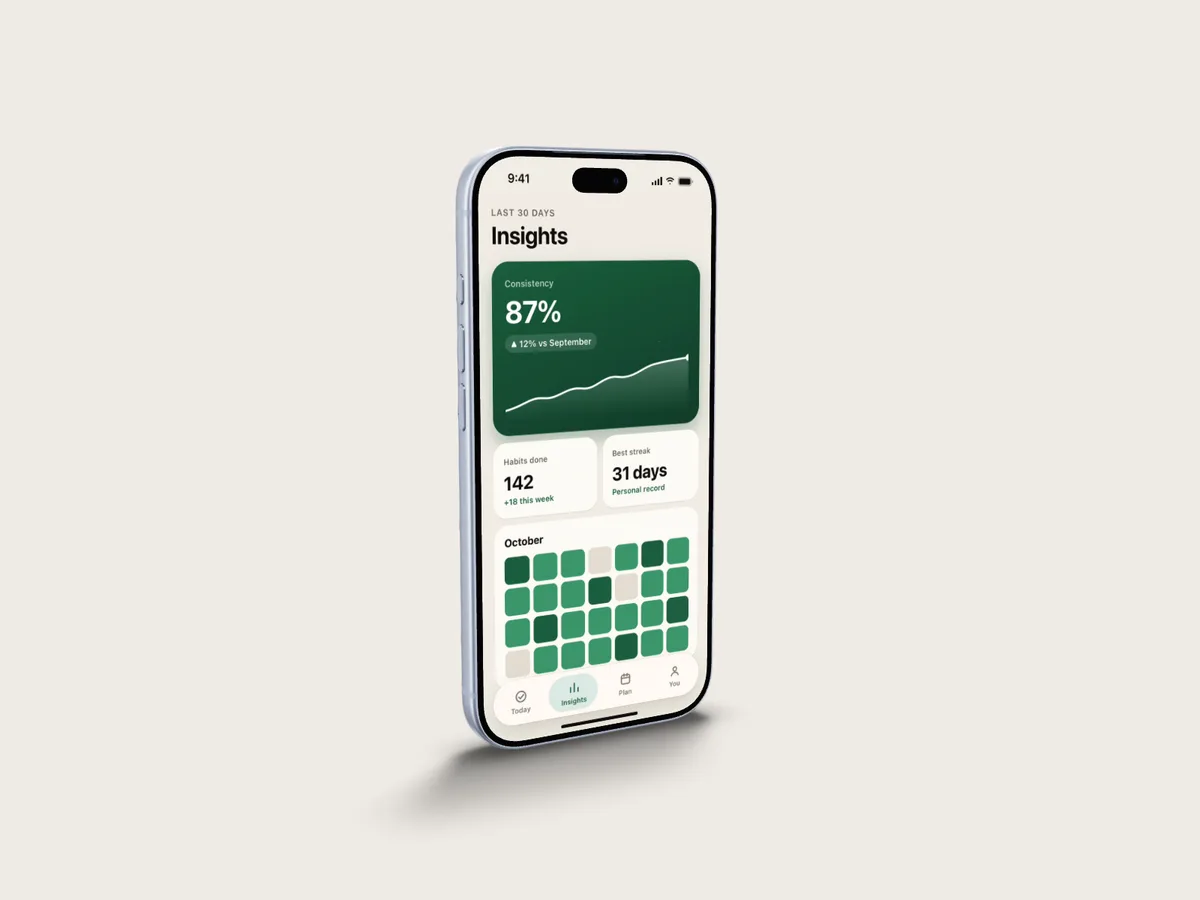
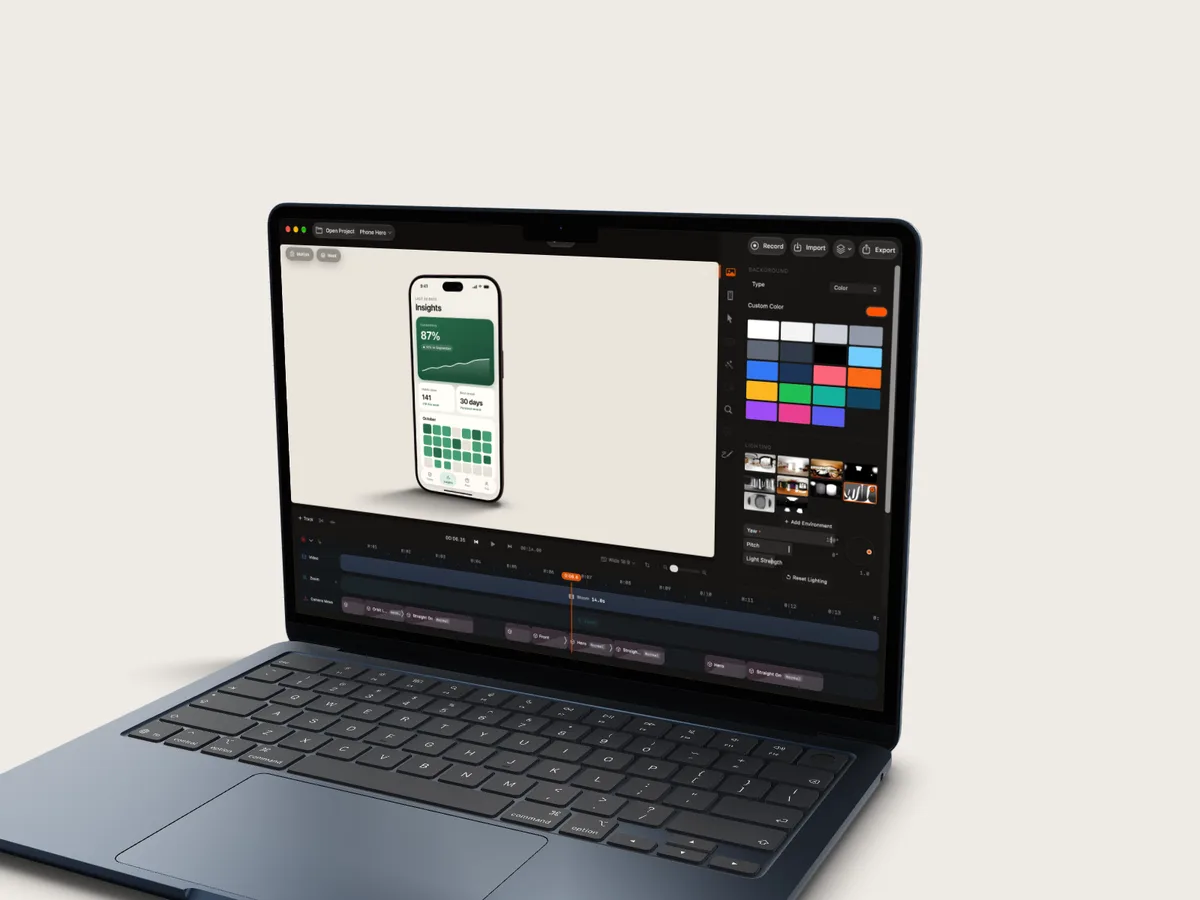
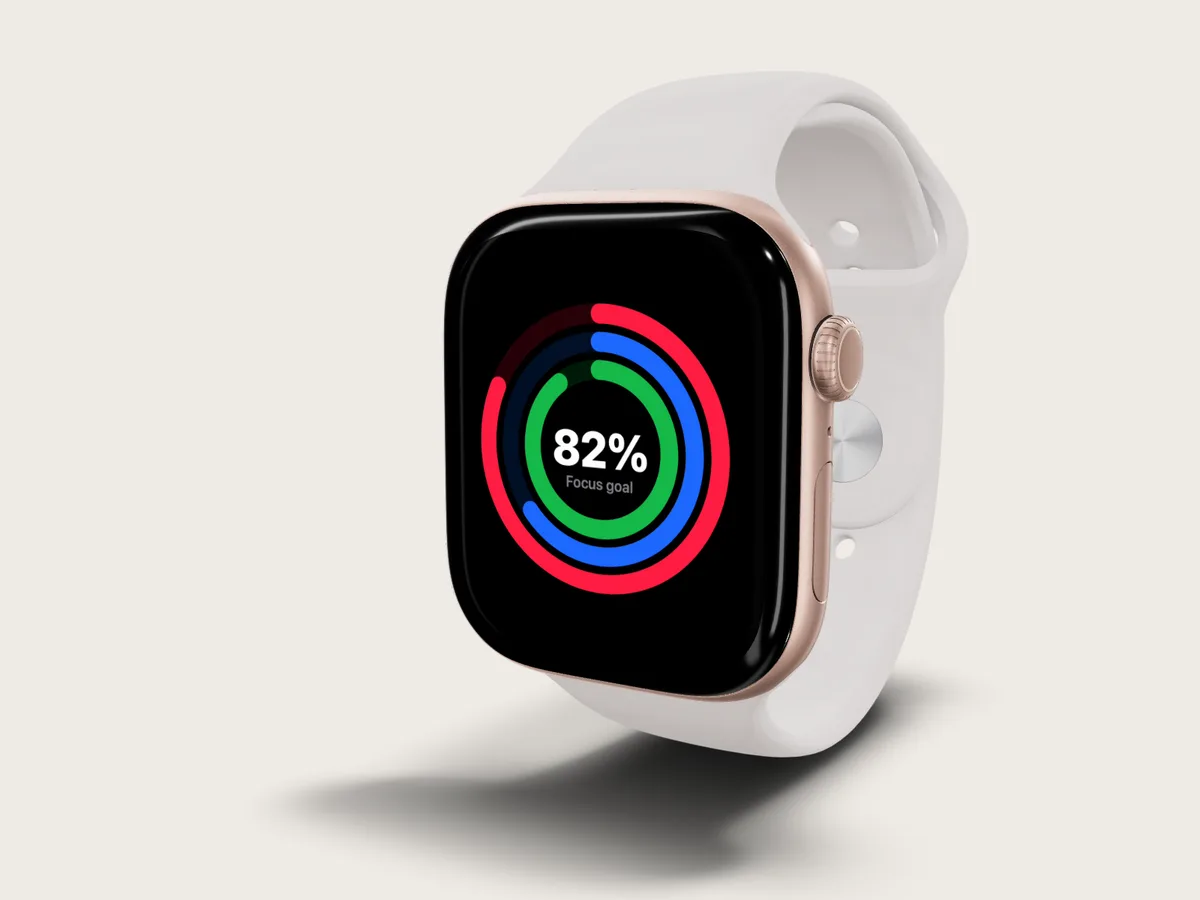
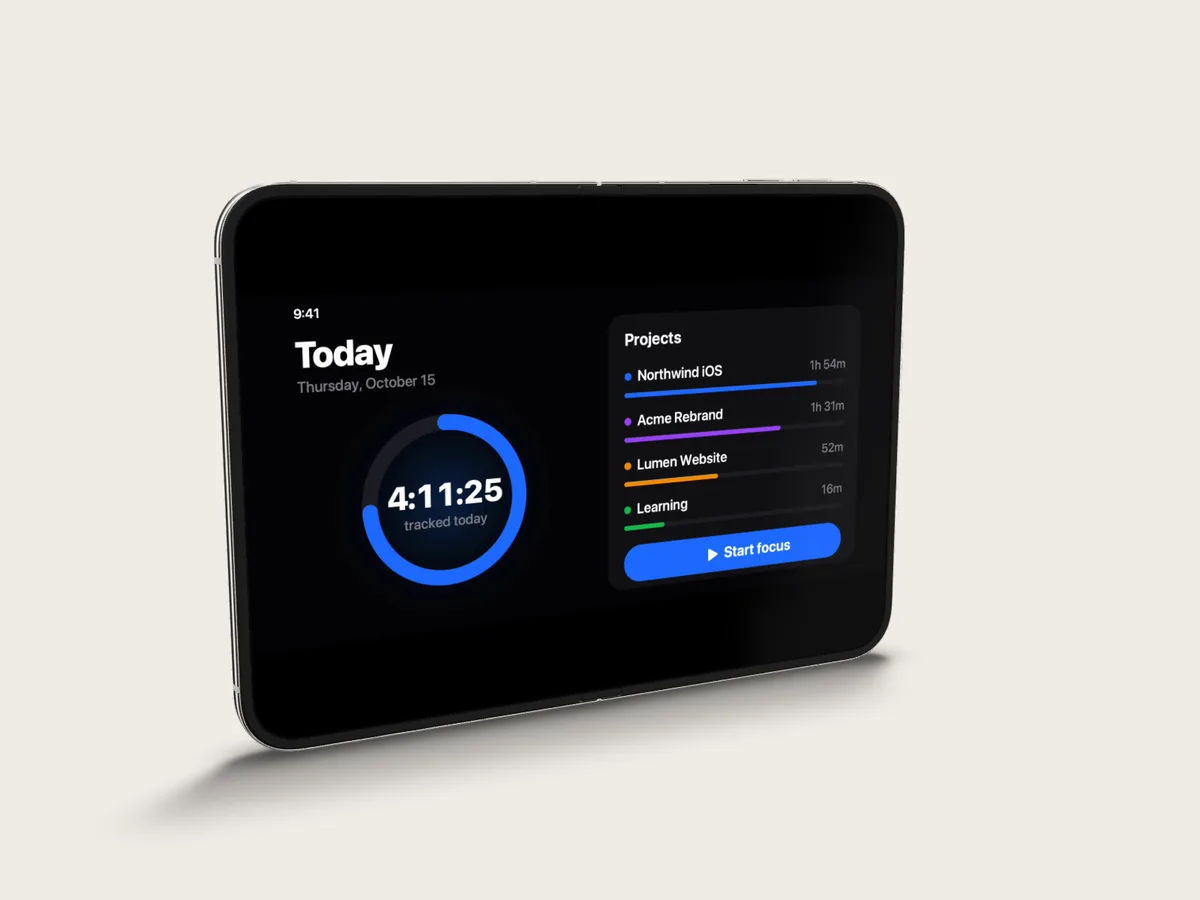
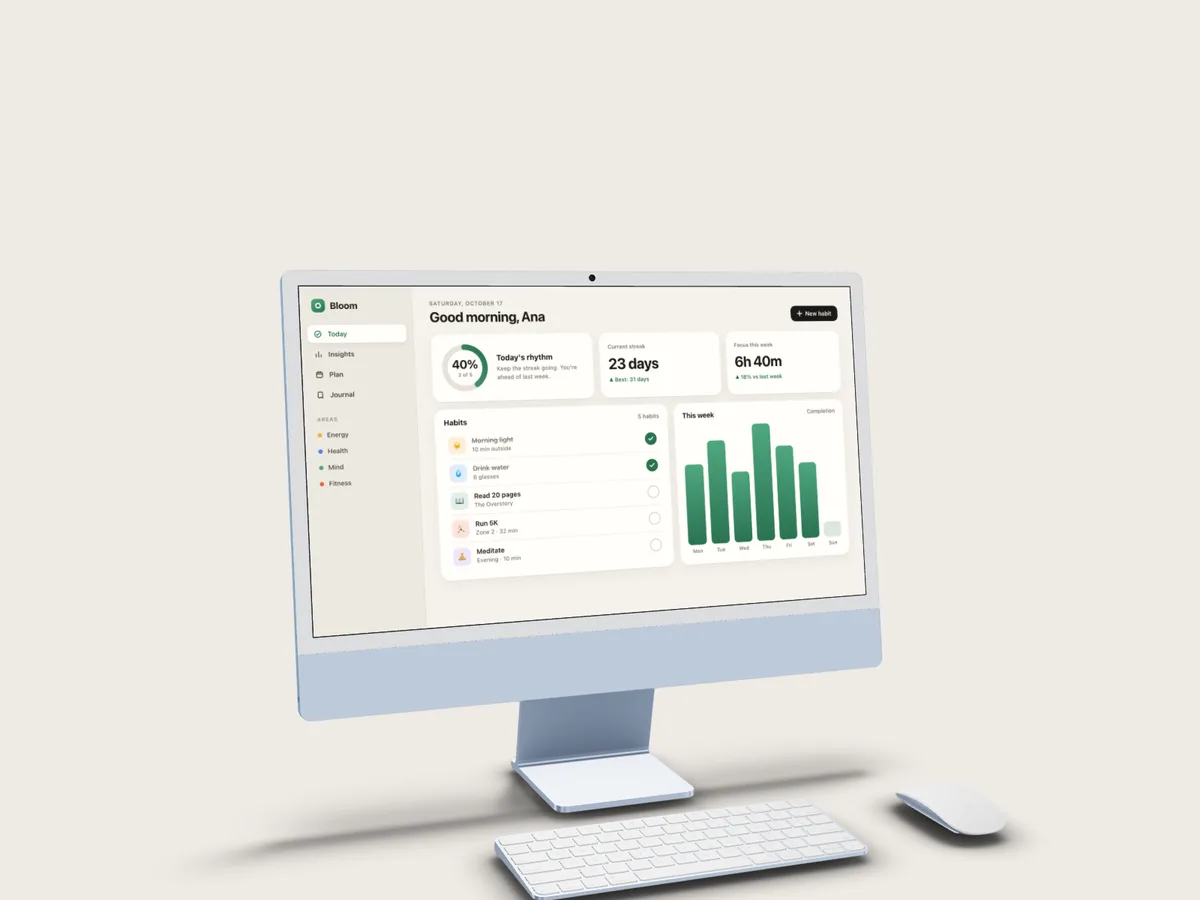
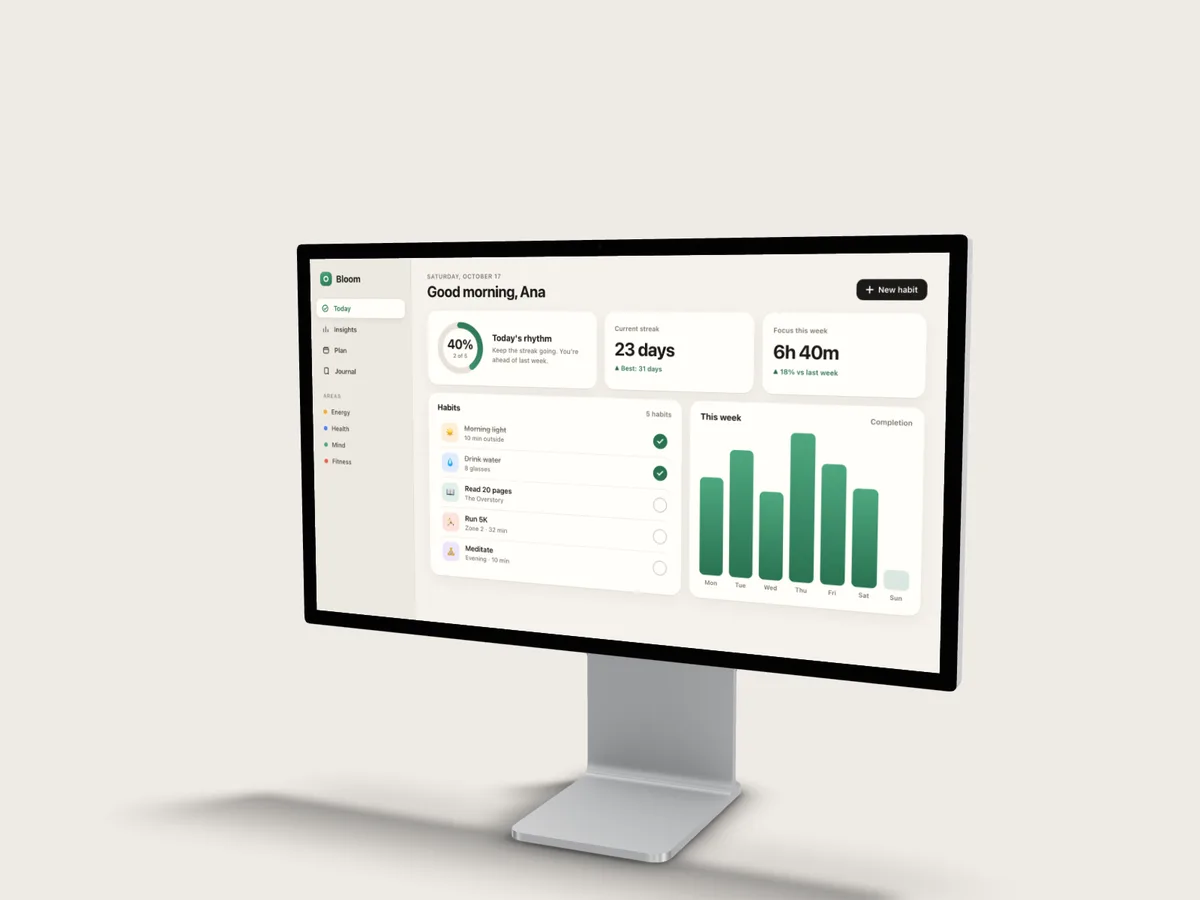
iPad is in there too. Prefer flat? 2D bezels are one click away.
Motion studio
Titles and motion graphics, without After Effects.
Animated text, designed graphics and slides sit on the same timeline as your recording and your 3D shots. Rotato animates the device; Screen Studio polishes the take. SmoothCapture builds the story around both.
Text that moves
Titles animate by word or by letter, enter and exit on their own timing, and can sit behind a 3D device for real depth.
- Glow
- Typewriter
- Word Blur
- Letter Wave
- Hero Pop
- Cascade
- Wipe
- and more
Graphics, ready to fill in
A built-in library of designed graphics. Type your words, pick your colours, and they animate in on their own track.
- Feature cards
- Key metric
- Title card
- Call to action
- Keyboard shortcut
- Terminal
- Comparison
- and more
Slides as a canvas
Start a scene from an empty slide with its own background, no dummy footage needed.
Everything on one timeline
Titles and graphics get their own tracks above your recording, so you move and trim them freely.
Share your designs
Import and export .scgraphic packages to reuse a look across projects and teammates.
AI agents · MCP
Vibe edit. Say what you want, watch it build.
SmoothCapture has an MCP server built in. Your AI agent can record, cut by transcript, add titles and graphics, direct the 3D camera, write a voiceover and export, all inside the project you have open.
Connect your agentTry asking
- Cut the long pauses out of my recording
- Put it on a 3D MacBook and land each camera move on the beat
- Write a 20-second voiceover and drop it in
- Make a 9:16 version for Reels
A real session: Claude Code building a clip through MCP, then reworking it on request. Sped up.
Edits land in the open editor
Every change shows up live on your timeline as one undo step, so you can step back through anything the agent did.
It checks its own work
Agents render frames from the edit to check framing and motion before they call it done.
Bring your own agent
Claude Code, Codex, Cursor or any MCP client. The server is built into the app and opens no network port.
Capture
Capture Mac, mobile, and Simulator.
Record your screen, a window, a selected area, an iPhone or iPad, or the iOS Simulator.
Mac screen, window, or area
Pick the full display, a single app window, or a selected area so you start with a clean source and skip cropping later.
Attention
Make each step easy to follow.
Use zooms, cursor effects, keystrokes, and annotations to explain the interaction clearly.
Smart and manual zoom
Zoom in on the action. Let SmoothCapture auto-add zooms, or place and tune each one yourself on the timeline.
Edit
Edit the parts that matter.
Trim mistakes, combine takes, speed up slow parts, and keep your project organized.
Trim, split, and reorder
Cut mistakes, break long clips into parts, and move scenes around without switching apps.
Combine multiple takes
Import another raw video, pick the best moments, and build the final cut.
Control the pacing
Speed through slow parts, keep the key moments at normal speed, and shape the rhythm on the timeline.
Pick up where you left off
Auto-save, recent projects, and thumbnails make it easy to step away and come back.
Presentation
Make raw recordings look polished.
Add device frames, backgrounds, webcam layouts, and the right size for each channel.
Narration and clarity
Add audio and captions.
Mix mic and system audio, add music, and edit captions before export.
Mix audio in the project
Balance mic and system audio, mute sources, add overlay tracks, and change volume or speed without another tool.
Edit captions like text
Generate subtitles with Apple Speech or FluidAudio, pick the language, open the transcript editor, search, and fix lines before export.
Export and share
Export the format you need.
Export MP4, MOV, GIF, or transparent ProRes. Save locally or share a link.
Why pay for two apps
Screen Studio's polish and Rotato's 3D, in one Mac app.
One records and polishes your screen. The other turns screenshots into 3D product shots. SmoothCapture does both on one timeline.
| Feature | SmoothCapture | Screen Studio | Rotato |
|---|---|---|---|
| Records your Mac screen | |||
| Records iPhone over USB | |||
| Auto zoom and smooth cursor | |||
| Captions and keystrokes | |||
| Real 3D device models | 2D frames | ||
| Animated 3D camera moves | |||
| Multi-clip editing: cuts, takes, imports | |||
| Webcam overlay | |||
| Animated titles and graphics | Captions only | Text and images | |
| AI agents edit over MCP | |||
| Price | From $49 once | $108–$348 a year | $79–$199 + renewals |
Based on each product's public pricing and documentation, October 2026. Rotato is a one-time purchase with paid renewals for new updates; Screen Studio is subscription-only.
Native foundation
Built only for macOS.
Fast exports, responsive editing, and a smooth native feel that keeps your Mac running cool.
Native macOS app
Separate recorder, editor, camera, and recent-projects windows built for Mac.
Local project bundles
Projects, takes, transcripts, and assets live in one .smoothcapture file on your disk.
Mac, iPhone, iPad, and Simulator
One app covers desktop, USB mobile, and Simulator demos.
Timeline editor
Trim, split, reorder, speed up, and combine takes without leaving the project.
Fast exports
Export polished videos quickly without pushing your Mac too hard.
One-time purchase
Test the editor for free. A valid license key unlocks export.
Guides
Mac screen recording guides.
Practical walkthroughs for recording, capturing audio, and fixing what macOS gets in the way of.
How to record screen on Mac
Shift-Command-5, QuickTime, and every way to capture sound.
Record Mac internal audio
Capture system sound with or without a virtual audio driver.
Fix a silent screen recording
Why your recording has no sound, and the checks that fix it.
Best free Mac screen recorders
What the free tools actually do, and where they stop.
QuickTime screen recording
The full QuickTime workflow, including trimming and export.
Record screen and webcam
Put your camera alongside your screen in one take.
Questions
Frequently asked questions.
Is SmoothCapture a Rotato alternative?
Yes. SmoothCapture puts recordings, videos and screenshots on real 3D iPhone, iPad, Mac and Apple Watch models, with one-click motion templates, camera shots you can keyframe yourself, studio lighting and transparent ProRes 4444 export. Unlike Rotato, it also records your Mac screen, adds auto zoom, a smooth cursor and captions, and edits many clips on one timeline. Rotato still has the bigger device library and exports up to 8K and Lottie.
Is SmoothCapture a Screen Studio alternative?
Yes. It covers the Screen Studio workflow, including zooms that follow your clicks, a smooth cursor, backgrounds, webcam and captions, and adds real 3D device mockups and a multi-clip timeline. Licences start at $49 once instead of a yearly subscription.
Can I put a video or screenshot I already have on a 3D device?
Yes. Open or import any MP4, MOV or image, choose a 3D device, and apply a camera move. It does not have to be recorded in SmoothCapture.
Can an AI agent edit my videos in SmoothCapture?
Yes. SmoothCapture includes an MCP server and a command-line tool, so Claude Code, Codex, Cursor or any MCP client can record, cut by transcript, add titles and graphics, move the 3D camera, generate a voiceover and export. Edits land in the project you have open, and each one can be undone.
Can SmoothCapture record system audio on a Mac?
Yes. SmoothCapture captures system audio natively through Apple's ScreenCaptureKit, so you do not need BlackHole or a Multi-Output Device. System sound and your microphone are recorded as separate tracks, so you can balance them after the fact rather than being stuck with the mix you captured.
Is SmoothCapture free?
You can record and edit for free with no time limit. A one-time purchase unlocks exporting and share links. There is no subscription, and the licence does not expire.
What Mac do I need?
SmoothCapture requires macOS 15.2 or later and runs natively on Apple Silicon. It works on MacBook Air, MacBook Pro, iMac, Mac mini, and Mac Studio — macOS does not restrict screen recording by hardware model.
Can SmoothCapture record a physical iPhone or iPad?
Yes, over USB or wirelessly — and with device audio either way. Plug in over USB for a full-resolution, lag-free capture, or record wirelessly when a cable is impractical. Because your Mac captures the device's video output rather than running a recorder on the phone itself, the footage comes out with a clean status bar and no red recording indicator across the top — which matters for App Store preview videos, where Apple expects an unobstructed screen. Recording a physical iPhone wirelessly with its audio intact is something no other Mac screen recorder currently does.
Can I record the iOS Simulator?
Yes. SmoothCapture records the iOS Simulator directly, which is the fastest way to produce App Store preview videos and demo clips without needing a physical device on hand.
How is this different from the built-in Shift-Command-5 recorder?
The built-in Screenshot toolbar records your screen and microphone, and nothing more. SmoothCapture adds system audio capture, automatic zoom on clicks, smooth cursor motion, 3D device frames, subtitles, and a timeline editor, so a raw capture becomes a finished video without moving to another app.
Do I need to be online to use it?
No. Recording and editing happen entirely on your Mac and your files never leave the machine unless you choose to share them.
Try SmoothCapture for free. Buy once when you are ready to export.
Record and edit locally. Purchase once to export videos and share links.
One-time purchase. No subscription required.
